
XLR switch and BNC switch Python module for remote control via serial RS-232
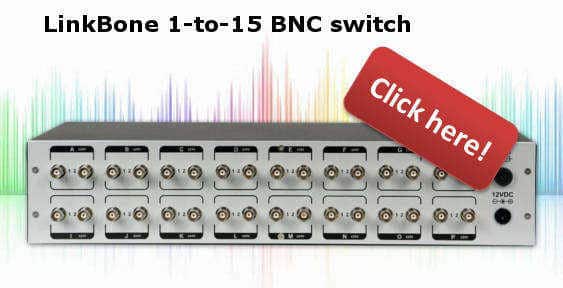
XLR switch and BNC switch with remote control via RS-232
Module can be used in Python 3.0.
//****************************************************//
//        Module: RS232linkbone.py                    //
//        Author: Marcin Debski                       //
//        XLR Switch and BNC Switch module for remote //
//        control via RS-232                          //
//        www.linkbone.com                            //
//****************************************************//
'''

import time
import serial

class rs232:
def __init__(self, port, baudrate, parity, stopbits, rtscts):
try:
ser = serial.Serial(
port=port,
baudrate=baudrate,
parity=parity,
stopbits=stopbits,
bytesize=serial.EIGHTBITS,
timeout=1,
rtscts=rtscts
)
print("Serial connection to LinkBone has been established!")
self.ser = ser
print(ser)
except:
print("Cannot connect via serial to LinkBone!")

# close serial connection
def close(self):
return self.ser.close()

# check if serial connection is already open
def isOpen(self):
return self.ser.isOpen()

# print information about status of the XLR switch and BNC switch
def getStatus(self):
self.ser.write(b'status\r')
time.sleep(1)
while 1:
status = self.ser.readline()
if status:
print(status.decode())
else:
break

# print list of available commands
def getHelp(self):
self.ser.write(b'help\r')
time.sleep(1)
while 1:
status = self.ser.readline()
if status:
print(status.decode())
else:
break

# print information about XLR switch and BNC switch device
def getInfo(self):
self.ser.write(b'info\r')
time.sleep(1)
while 1:
status = self.ser.readline()
if status:
print(status.decode())
else:
break

# send text command to LinkBone XLR switch and BNC Switch
def sendCommand(self, command):
self.ser.write(b''+str(command).encode()+'\r'.encode())
time.sleep(1)
while 1:
status = self.ser.readline()
if status:
print(status.decode())
else:
break